Your Mac is full of things your tools can rebuild
DevSweep finds Xcode data, simulators, node_modules, Gradle and Docker caches, tells you what each one is, and moves the ones you pick to the Trash.
Free. macOS 15 or later, Apple silicon and Intel.
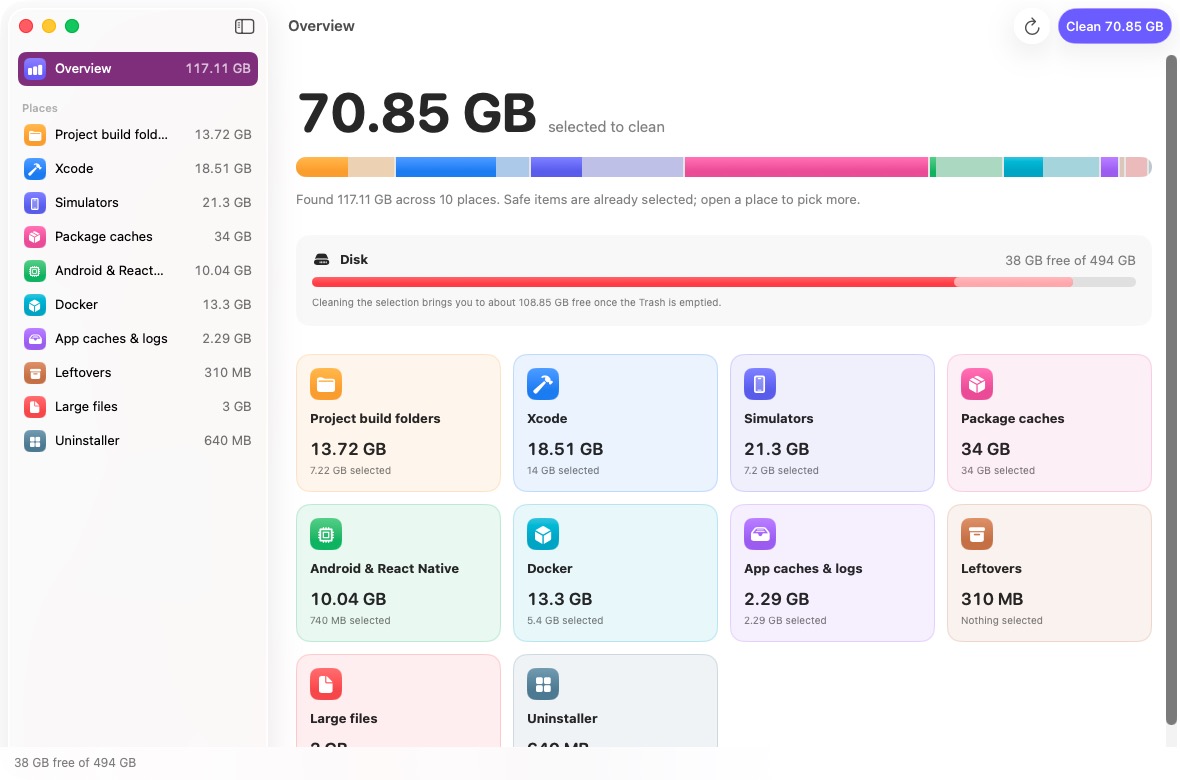
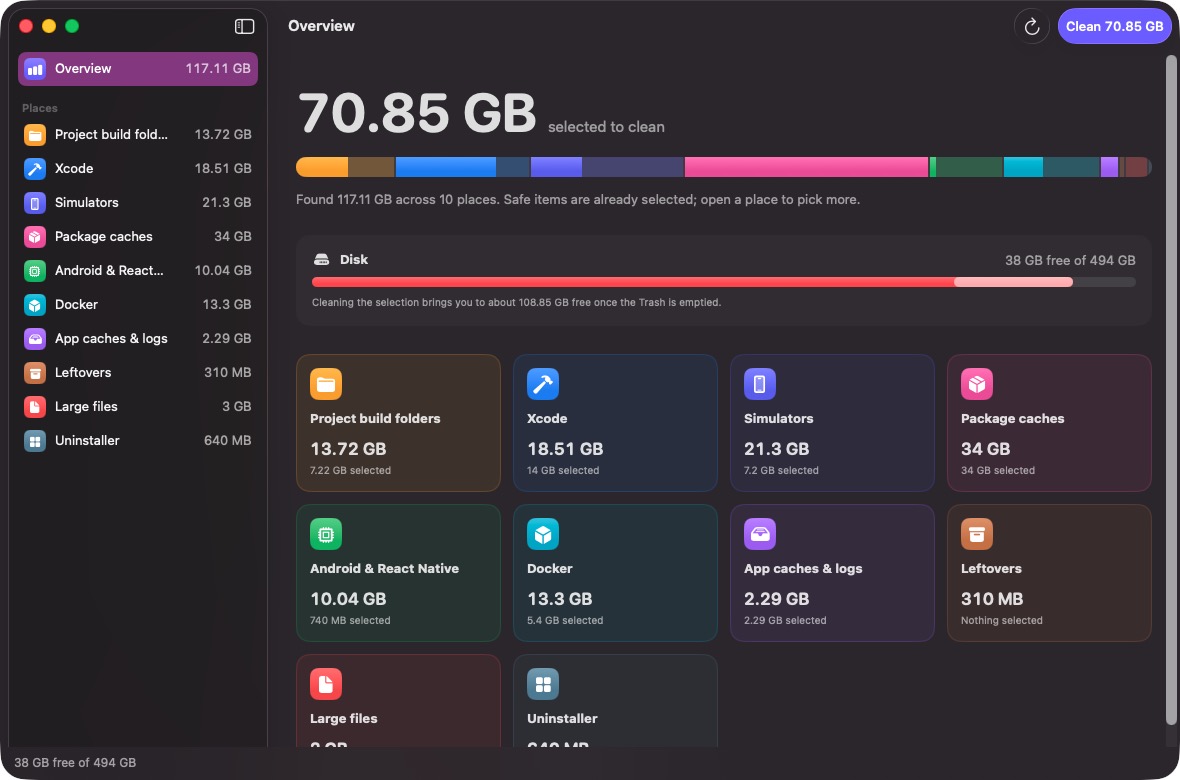
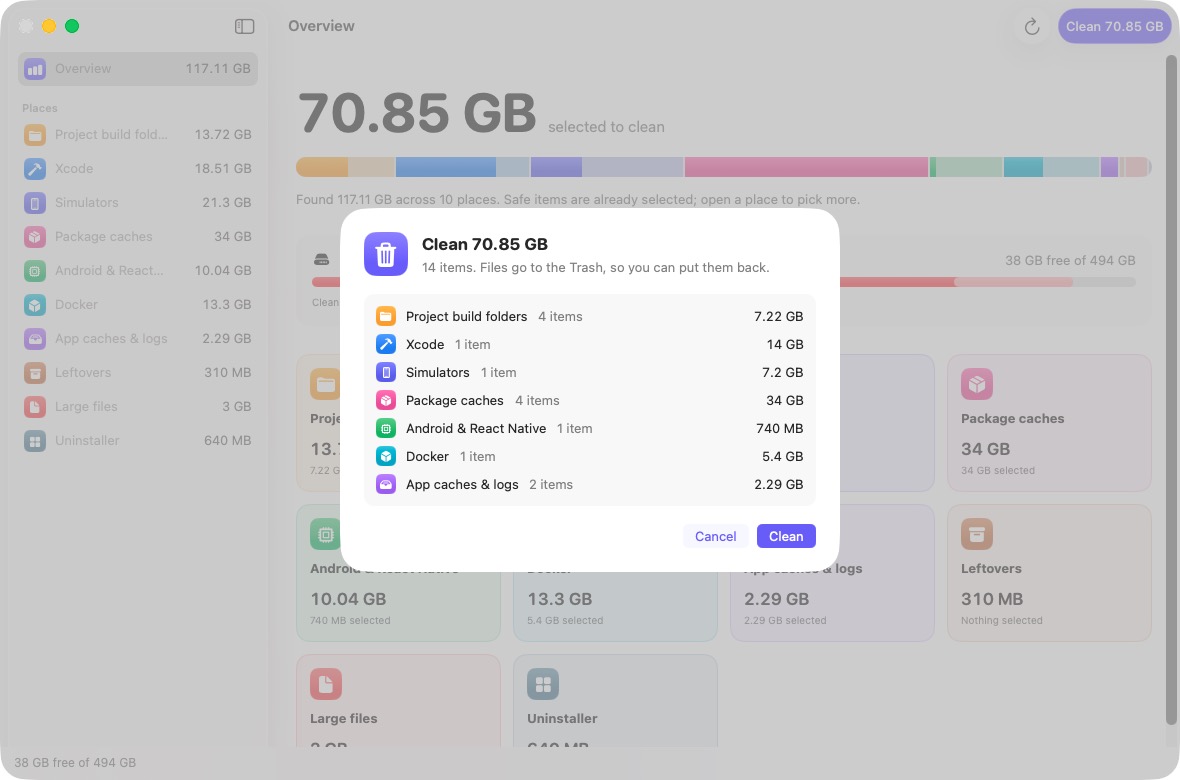
- Project build folders 13.7 GB
- Xcode 18.5 GB
- Simulators 21.3 GB
- Package caches 34 GB
- Android & React Native 10 GB
- Docker 13.3 GB
- App caches & logs 2.3 GB
- Large files 3 GB
What it looks for
Ten places where developer tools pile up data. Every item says what it is and whether it comes back on its own.
Project build folders
node_modules, Pods, Gradle and iOS build output, .next, .venv, Rust target, Flutter build.
Xcode
DerivedData, SwiftUI previews, device symbols and old app archives.
Simulators
Simulator runtimes, broken simulators and the apps installed on each one.
Package caches
Gradle, Yarn, npm, pnpm, Bun, CocoaPods, Homebrew, pip, SwiftPM, Cargo and Go.
Android & React Native
Emulators, unused system images, older build-tools and NDKs, Metro caches.
Docker
Unused images, stopped containers, build cache and volumes.
App caches & logs
Each app's cache folder and logs. Open apps are skipped.
Leftovers
Library files of apps you've already removed.
Large files
Big files in Downloads, Desktop, Documents and Movies.
Uninstaller
Apps with their size, last use and related Library files.
You decide what goes
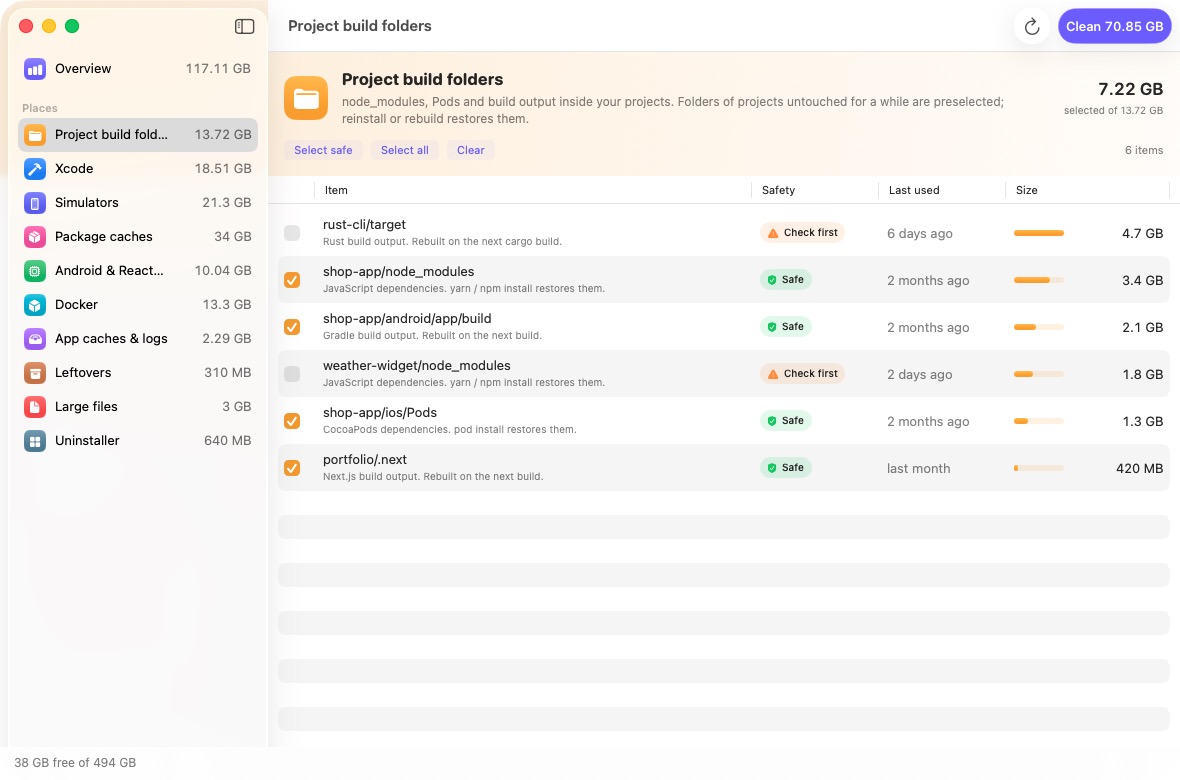
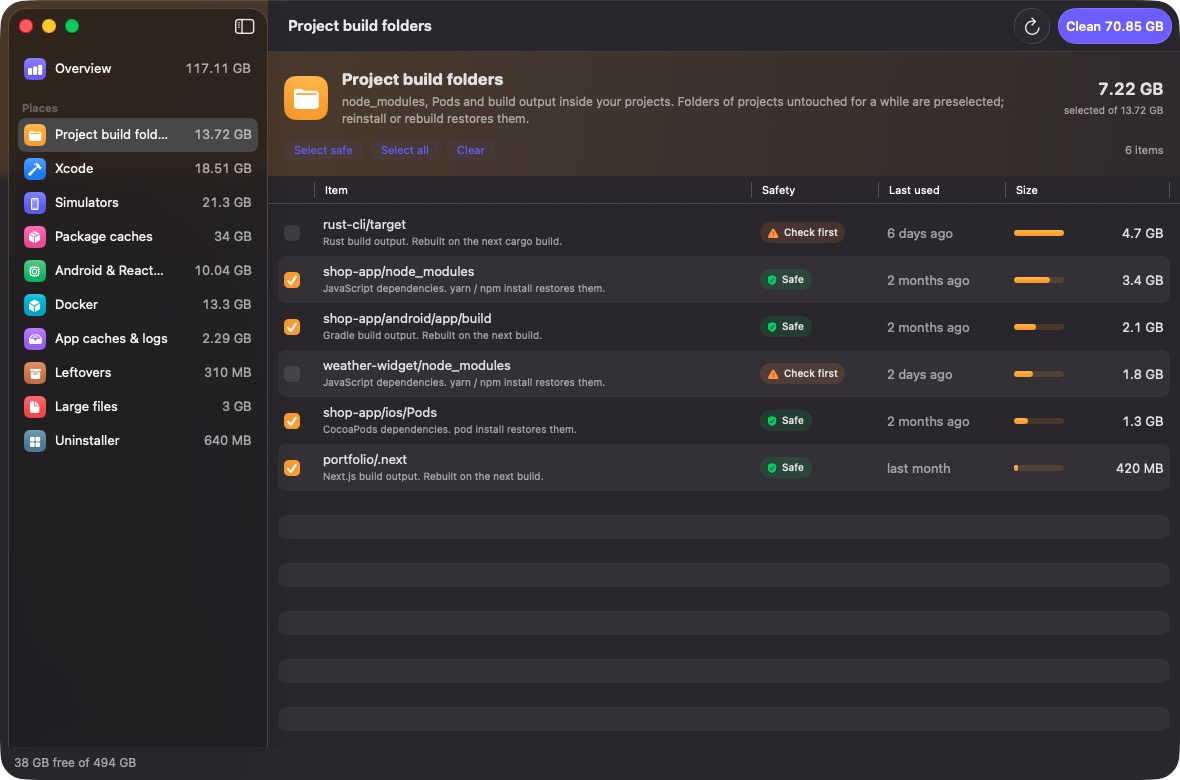
Every item carries one of three labels. Only items that rebuild themselves are selected for you; the rest wait for your call.
- Safe
Caches and build output that your tools recreate on the next build or install. Selected for you.
- Check first
Fine to remove, but you might want it: an emulator, an older SDK, an app archive, a project you touched this month.
- Your files
Large downloads and apps. Only you can judge these, so DevSweep never selects them.
Nothing disappears behind your back
- Files go to the Trash, so you can put them back until you empty it.
- Simulator runtimes and Docker images can't go to the Trash. DevSweep runs Xcode's or Docker's own command for those and shows you the command first.
- It never follows symbolic links and skips caches of apps that are open.
- A dry-run switch in Settings lets you see what a clean would do without touching anything.
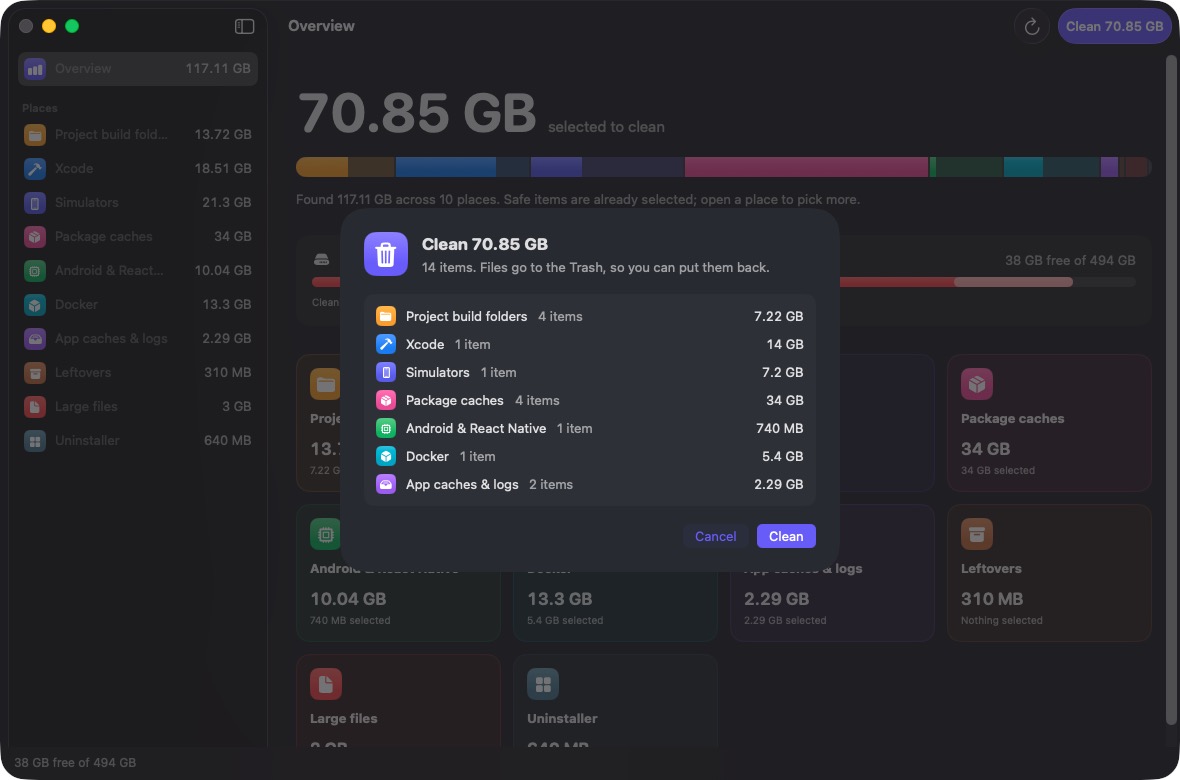
Review before anything moves
Stays on your Mac
- No account, no sign-in.
- Scanning happens locally; file names and paths never leave your Mac.
- No analytics. The only request is a small version check against this site when DevSweep opens, and you can switch it off.
Questions
Is it free?
Yes. There's no paid tier and no account.
Why does macOS warn me when I open it?
DevSweep isn't notarized by Apple, which needs a paid developer membership. The first time you open it, macOS blocks it; allow it once in System Settings, Privacy & Security, Open Anyway. The download page walks through it.
Will it delete a project I'm working on?
It never deletes your source code. It only lists dependency and build folders such as node_modules, Pods or build, and folders of projects you used in the last 30 days are not selected.
Does it need Full Disk Access?
No. Without it, a few caches and Library folders can't be read, and DevSweep lists what it skipped. You can grant access later from Settings.
Does it work on Intel Macs?
Yes. The download is one universal app for Apple silicon and Intel, on macOS 15 or later.
Get your disk back
Scan takes about a minute. Nothing is removed until you press Clean.
Download for Mac